
Activations
Activations track which sites are using a given license. Each activation record represents a single site that has registered itself against a license key, and LicenceForge enforces per-license limits to control concurrent usage.
Activations table schema
All activation records are stored in the wplf_activations table. The following columns make up the schema:
| Column | Type | Description |
|---|---|---|
id |
BIGINT UNSIGNED |
Auto-incrementing primary key. |
license_id |
BIGINT UNSIGNED |
Foreign key referencing wplf_licenses.id. Identifies which license this activation belongs to. |
site_origin |
VARCHAR(255) |
The normalized origin URL of the client site (scheme + host). Derived from the site's home_url(). |
user_agent |
VARCHAR(500) |
The User-Agent string sent by the client site during activation. Used for diagnostics and identifying the WordPress version and server environment. |
server_fingerprint |
VARCHAR(64) |
A SHA-256 hash of server environment attributes. Nullable—only populated when device fingerprinting is enabled for the product. |
activated_at |
DATETIME |
Timestamp of when the site was activated. Set automatically on creation. |
last_seen_at |
DATETIME |
Timestamp of the most recent validation request from this site. Updated on each successful validation call. |
deactivated_at |
DATETIME |
Timestamp of when the activation was deactivated. NULL indicates the activation is still active. |
Site origin normalization
The site_origin value is derived from the client site's home_url() and normalized before storage to ensure consistent matching. The normalization process:
- Parses the URL and extracts the scheme and host components.
- Converts the host to lowercase.
- Strips trailing slashes and path components.
- Removes the
www.prefix if present (configurable via thewplf_strip_wwwfilter). - Removes default port numbers (
:80for HTTP,:443for HTTPS).
For example, all of the following inputs would normalize to https://example.com:
https://example.com/
https://www.example.com
https://Example.COM:443/
https://www.example.com/wp/
Note
The normalization ensures that a site is not counted twice against the activation limit due to minor URL variations. If you need to preserve www. as a distinct origin, return false from the wplf_strip_www filter.
Activation limits
Each license has an activation_limit that defines the maximum number of concurrently active sites. This value is typically inherited from the price tier when the license is created, but can be overridden on individual licenses.
The active activation count is calculated as the number of rows in wplf_activations for the given license_id where deactivated_at IS NULL. When a new activation request arrives:
- The system checks whether the
site_originalready has an active activation for this license. - If yes, the existing activation is returned (idempotent). The
last_seen_attimestamp is updated. - If no, the active count is compared against
activation_limit. - If the limit has been reached, the activation is rejected with error code
wplf_activation_limit_reached. - If capacity is available, a new activation row is inserted.
$active_count = $wpdb->get_var( $wpdb->prepare(
    "SELECT COUNT(*) FROM {$this->activations_table}
     WHERE license_id = %d AND deactivated_at IS NULL",
    $license_id
) );

if ( $active_count >= $license->activation_limit ) {
    return new WP_Error(
        'wplf_activation_limit_reached',
        sprintf( 'Activation limit of %d reached.', $license->activation_limit ),
        [ 'status' => 403 ]
    );
}
Deactivation
Deactivating a site sets the deactivated_at timestamp on the activation record. The row is not deleted—it is preserved for audit purposes. Deactivation frees up one slot against the activation limit.
Deactivation can occur through several channels:
Client-initiated deactivation
The client library can call the POST /wplf/v1/licenses/deactivate endpoint, passing the license key and site origin. This is typically triggered when a customer deactivates the plugin from within their WordPress admin panel.
Admin deactivation
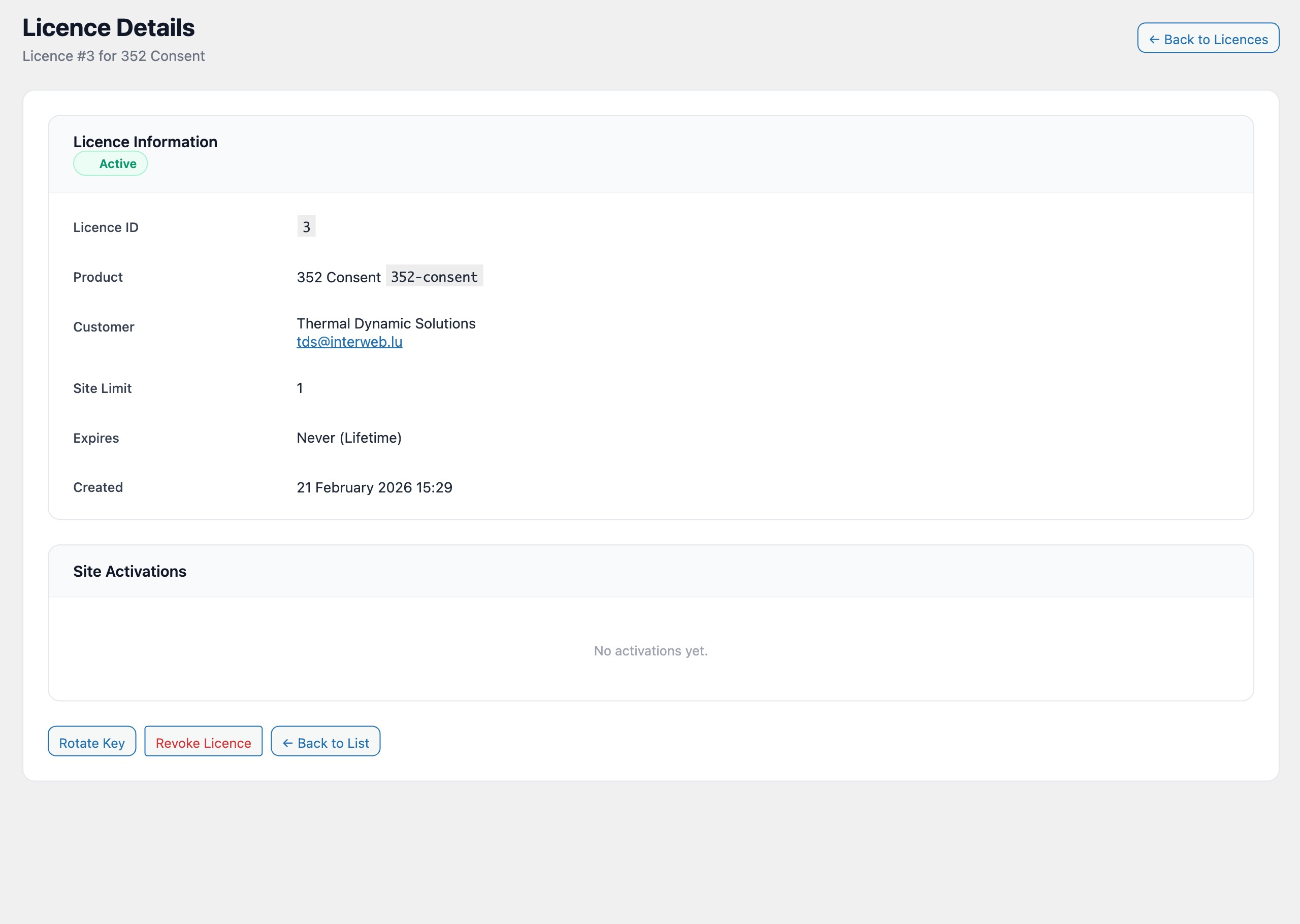
Administrators can deactivate individual sites from the license detail page in the WordPress admin. Each activation row displays a Deactivate button.
Automatic deactivation
When a license transitions to an expired or cancelled state and the wplf_auto_deactivate option is enabled, all active activations for that license are deactivated automatically. See Auto-deactivation for details.
Last seen tracking
Every time a client site sends a successful validation request, the last_seen_at column on the corresponding activation record is updated. This provides administrators with visibility into which sites are actively using a license versus sites that were activated but may no longer be in use.
The last_seen_at value is displayed in the admin panel on the license detail page and can be used to identify stale activations. LicenceForge does not automatically deactivate stale sites, but administrators can do so manually or build custom logic using the wplf_activation_last_seen action hook.
API endpoints
Activations are managed through the following REST API endpoints:
| Method | Endpoint | Description |
|---|---|---|
POST |
/wplf/v1/licenses/activate |
Activate a site against a license key. Requires license_key and site_url in the request body. |
POST |
/wplf/v1/licenses/deactivate |
Deactivate a site. Requires license_key and site_url. |
GET |
/wplf/v1/admin/licenses/{id}/activations |
List all activations for a license (admin only). Returns both active and deactivated records. |
See the REST API documentation for full request and response schemas.