
Download Security
LicenceForge protects product file downloads with short-lived, cryptographically signed tokens. This ensures that only authenticated license holders can download files, and that download links cannot be shared or reused after expiry.
Token Generation
Download tokens are generated by the
WPLF_Crypto::generate_download_token() method. The method accepts three parameters:
| Parameter | Type | Description |
|---|---|---|
$license_id |
int |
The ID of the license requesting the download. |
$product_slug |
string |
The slug of the product to download. |
$expires_in |
int |
Token lifetime in seconds. Default: 300 (5 minutes). |
// Generate a download token with default 5-minute expiry
$token = WPLF_Crypto::generate_download_token( $license_id, 'my-plugin', 300 );
Token Format
The token payload is a JSON object containing the license ID, product slug, and expiry timestamp.
This payload is signed with HMAC-SHA256 using the WordPress
AUTH_KEY and AUTH_SALT as the signing key. The signed payload is then
base64url-encoded for safe inclusion in URLs.
{
  "license_id": 42,
  "product_slug": "my-plugin",
  "expires": 1706900400
}
base64url encoding replaces + with - and
/ with _, and omits padding characters. This ensures tokens are safe for
use in URL query parameters without additional encoding.
Token Verification
When a download request arrives, WPLF_Crypto::verify_download_token() performs two
checks:
- Signature verification — The HMAC-SHA256 signature is recomputed and
compared using
hash_equals()to prevent timing attacks. If the signature does not match, the token is rejected. - Expiry check — The
expirestimestamp is compared against the current server time. If the token has expired, the request is denied with an appropriate error.
// Verify a download token
$payload = WPLF_Crypto::verify_download_token( $token );

if ( is_wp_error( $payload ) ) {
    // Token is invalid or expired
    wp_send_json_error( $payload->get_error_message(), 403 );
}

// $payload contains license_id, product_slug, expires
Download Endpoint
The REST API endpoint for file downloads is:
GET /wp-json/wplf/v1/downloads/{product_slug}?token={download_token}Request Flow
- Customer clicks the download link in the customer portal or email.
- The front end requests a fresh download token from the server.
- The server generates a token bound to the customer's license and the requested product.
- The customer's browser is redirected to the download endpoint with the token as a query parameter.
- The endpoint verifies the token, resolves the file source, and streams the file to the customer.
File Sources
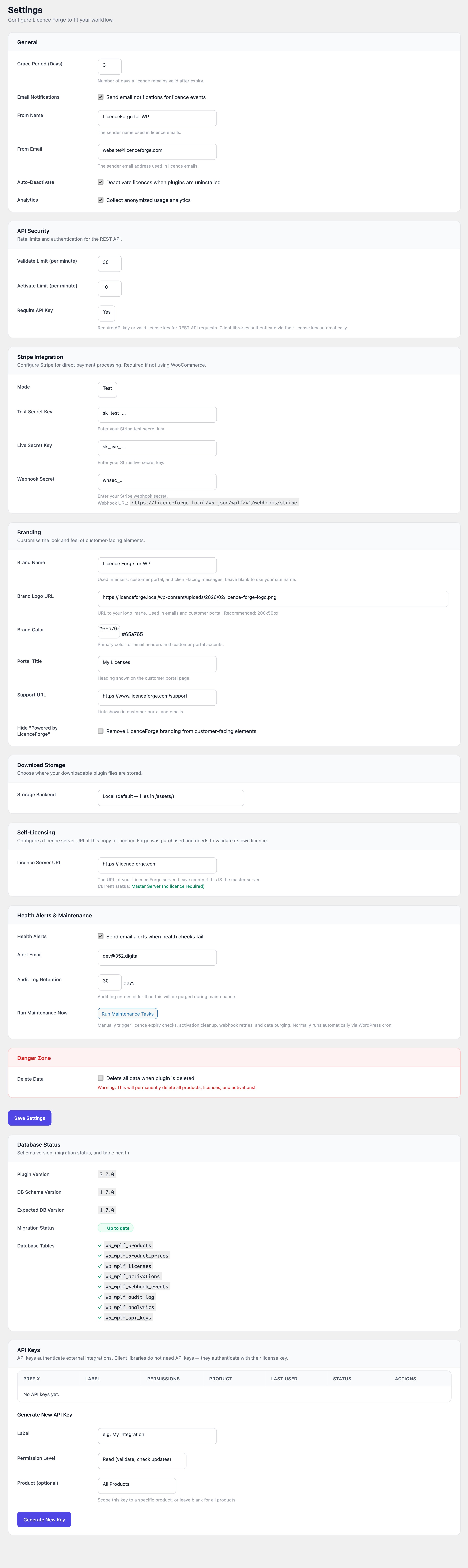
LicenceForge supports three file source types for product downloads. The source is configured per product in the admin panel.
Local Files
Files stored in the WordPress uploads directory or a custom assets path. The download endpoint reads
the file and streams it to the client with appropriate headers
(Content-Disposition: attachment).
External URLs
Files hosted on an external server. The endpoint redirects the customer to the external URL. The token is still verified before the redirect occurs.
S3 Pre-signed URLs
For files stored in Amazon S3 (or S3-compatible storage), LicenceForge generates a pre-signed URL with its own expiry. The customer is redirected to this URL, which grants temporary access to the S3 object.
S3 URL Expiry
The pre-signed URL expiry is controlled by the wplf_s3_url_expiry filter:
| Setting | Value |
|---|---|
| Default expiry | 300 seconds (5 minutes) |
| Minimum expiry | 60 seconds |
| Maximum expiry | 3600 seconds (1 hour) |
// Customise S3 pre-signed URL expiry (e.g., 10 minutes)
add_filter( 'wplf_s3_url_expiry', function( $seconds ) {
    return 600;
} );
Keep expiry times short. Longer expiry windows increase the risk of URL sharing. The default of 300 seconds is suitable for most use cases.
Direct Access Protection
To prevent direct access to product ZIP files stored in the local assets directory, LicenceForge
includes an .htaccess file that blocks all direct HTTP requests to ZIP files.
# .htaccess in the LicenceForge assets directory
<FilesMatch "\.zip$">
    Order Allow,Deny
    Deny from all
</FilesMatch>
Nginx users. The .htaccess rule only applies to Apache. If you use
Nginx, add an equivalent rule to your server configuration:
location ~* /wp-content/uploads/licenceforge/.*\.zip$ {
    deny all;
    return 403;
}
Token Expiry Defaults
| Token Type | Default Expiry | Configurable |
|---|---|---|
| Download token | 300 seconds (5 minutes) | Via $expires_in parameter |
| S3 pre-signed URL | 300 seconds (5 minutes) | Via wplf_s3_url_expiry filter (60–3600s) |
S3 storage recommended. For maximum security, store product files in S3 rather
than the local filesystem. This removes the dependency on .htaccess rules and benefits
from S3's own access control and audit logging. See
Best Practices for more details.